
Fallback
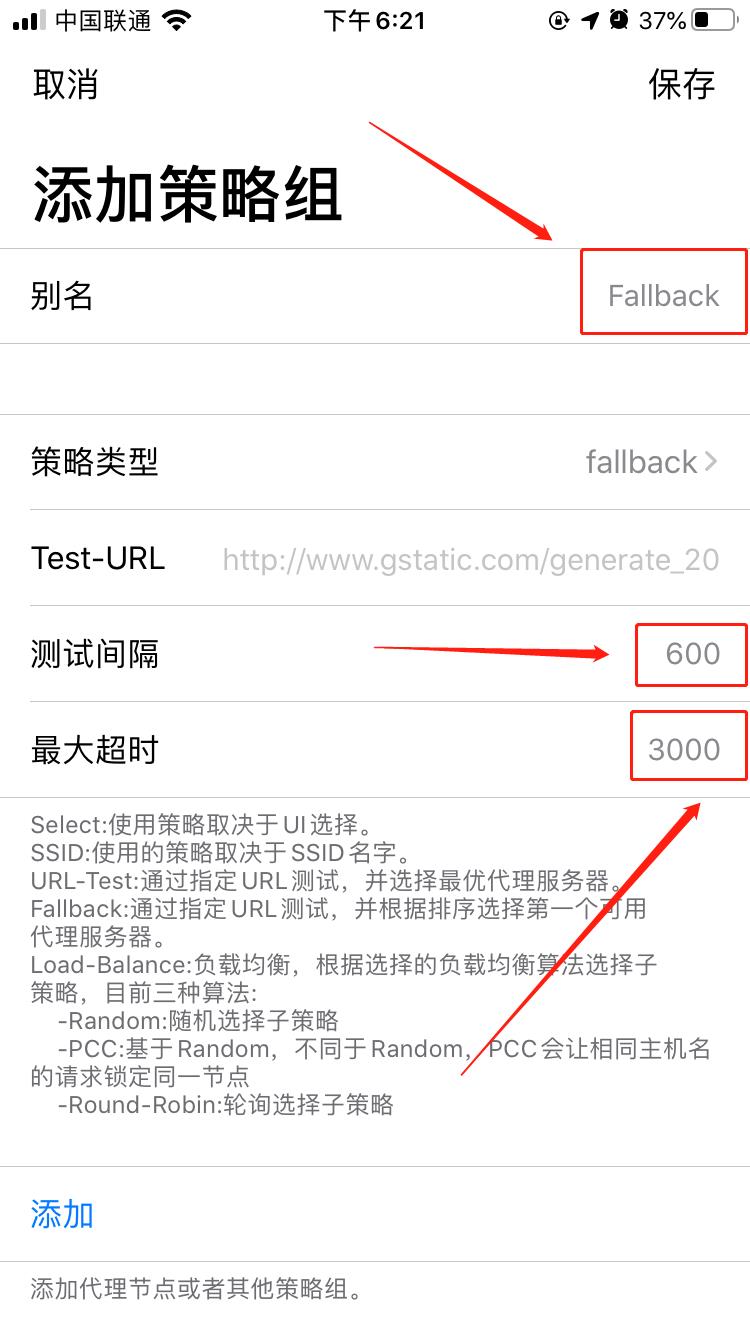
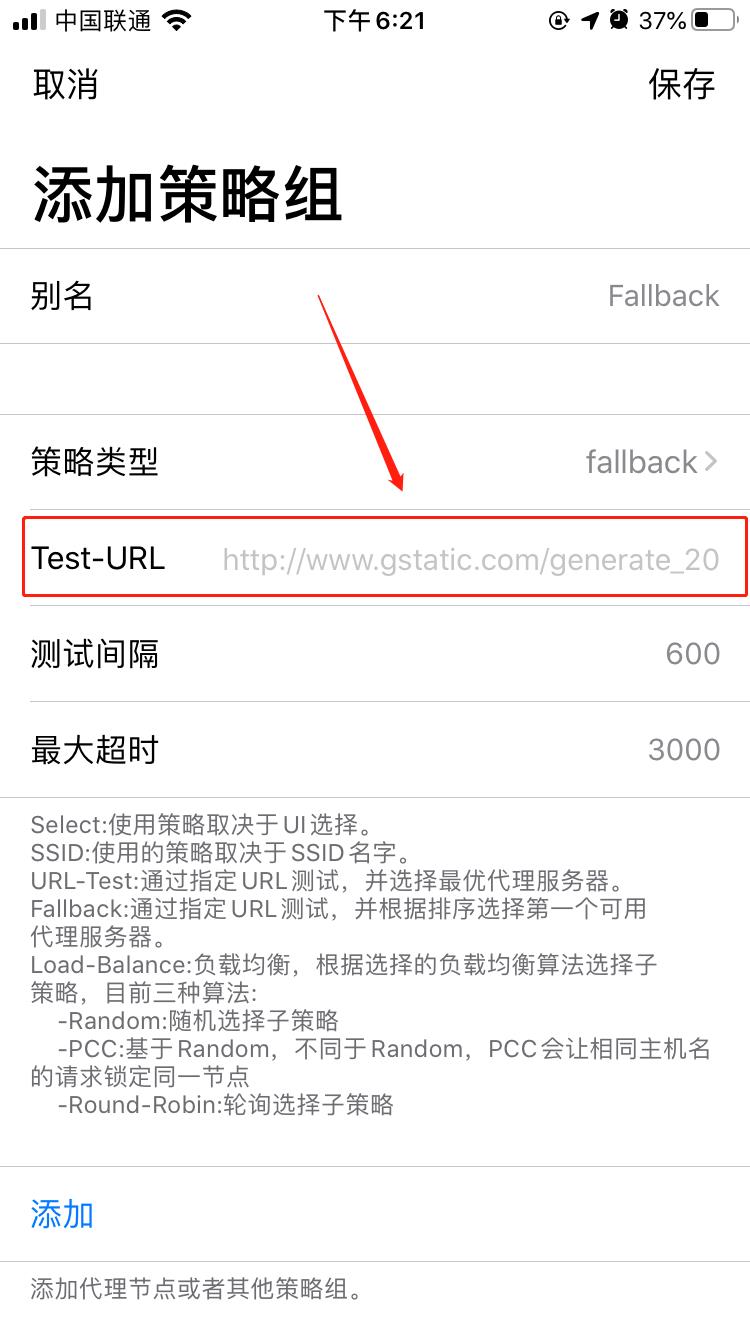
The Fallback strategy group can be easily understood as Loon automatically test whether the nodes under the Fallback strategy group are available at intervals, and automatically select the first available node according to the node arrangement
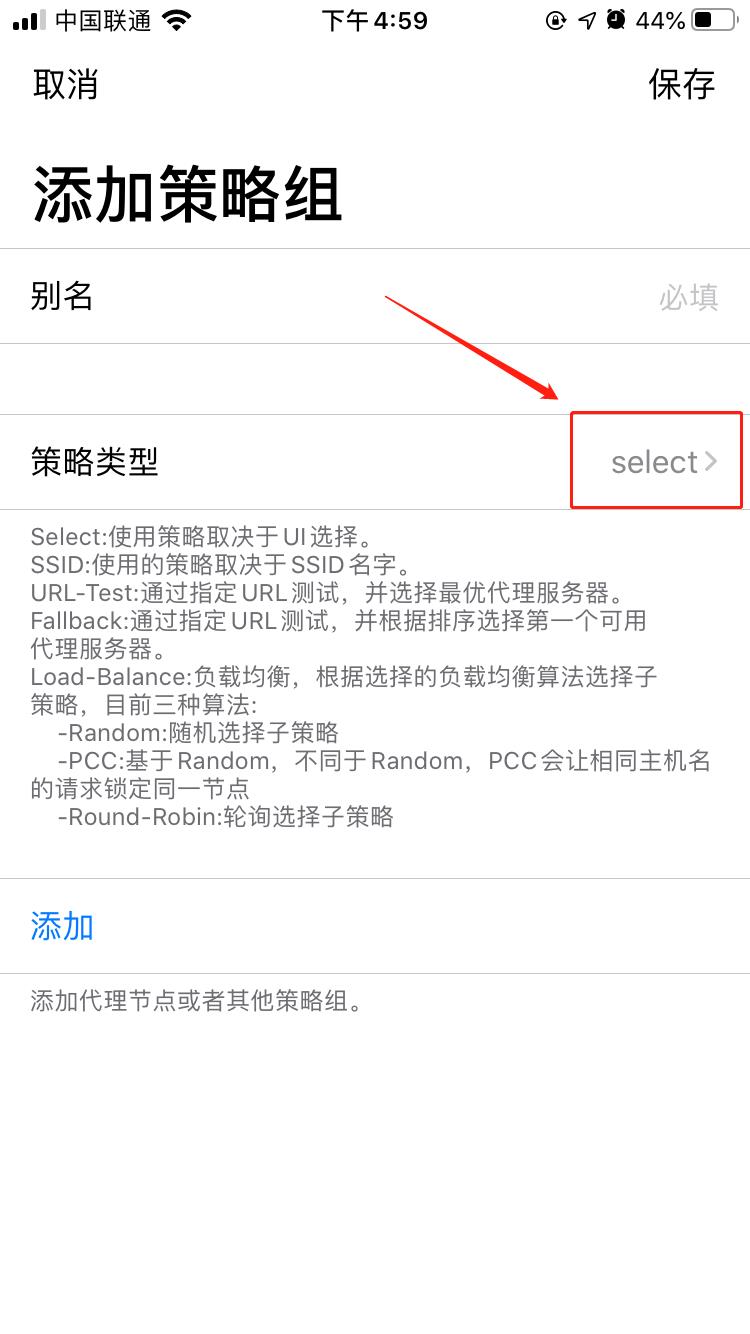
1. Enter Strategy Group to add a strategy group
Please click here to jump to the Manually add a policy group tutorial, and return to setting Fallback after completing the operation Tutorials
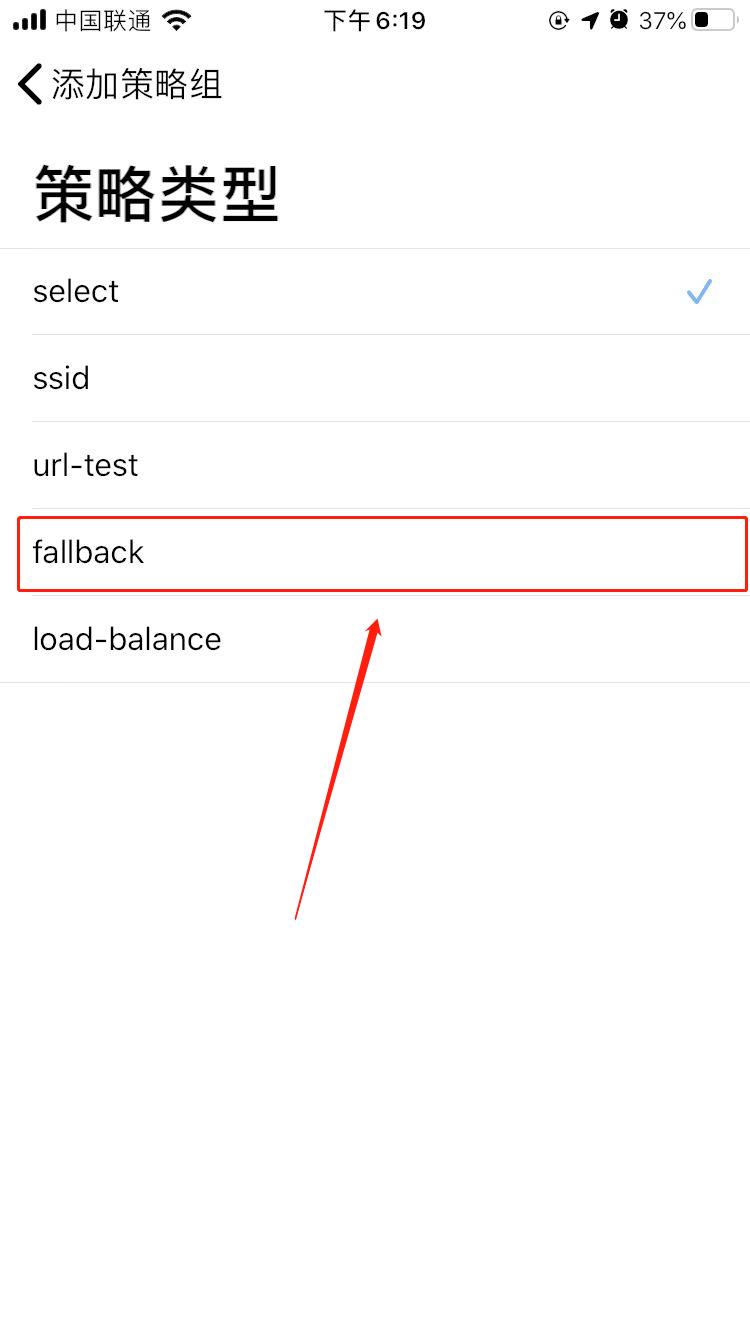
Two, set strategy type
Three, add agent node

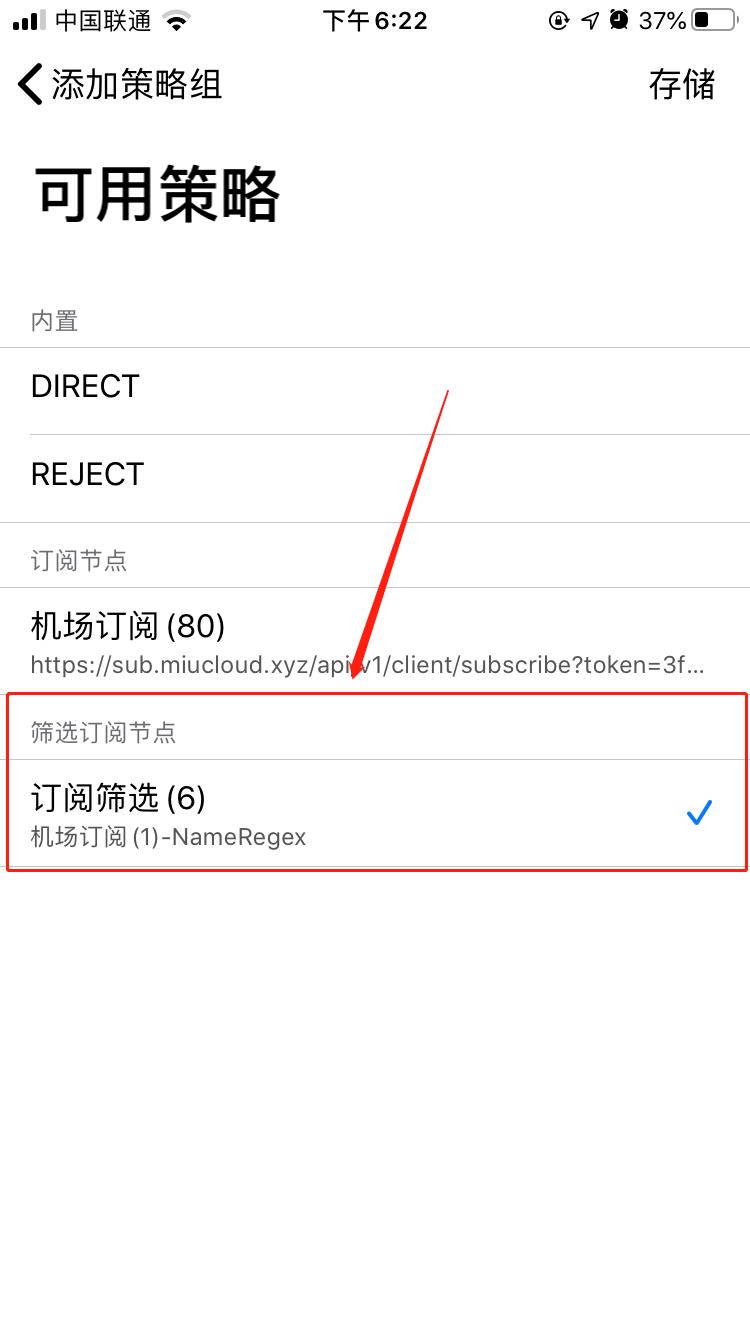
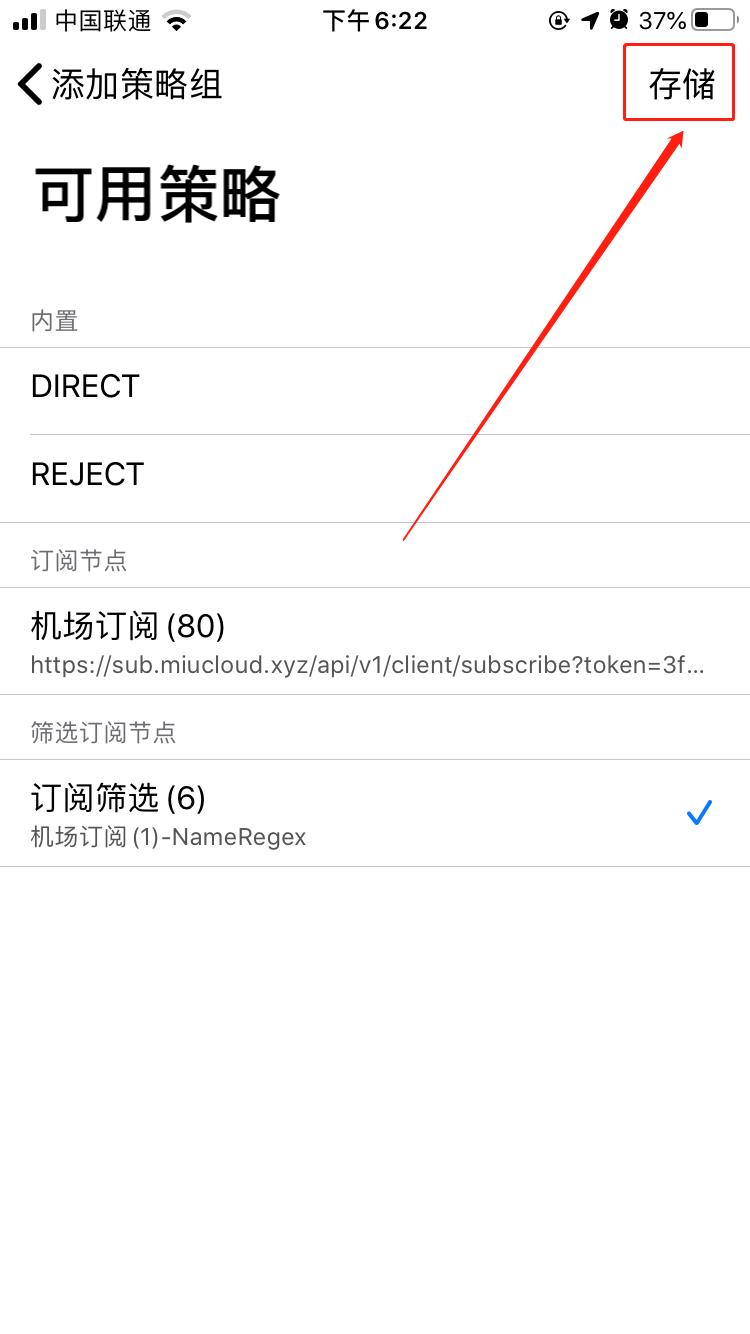
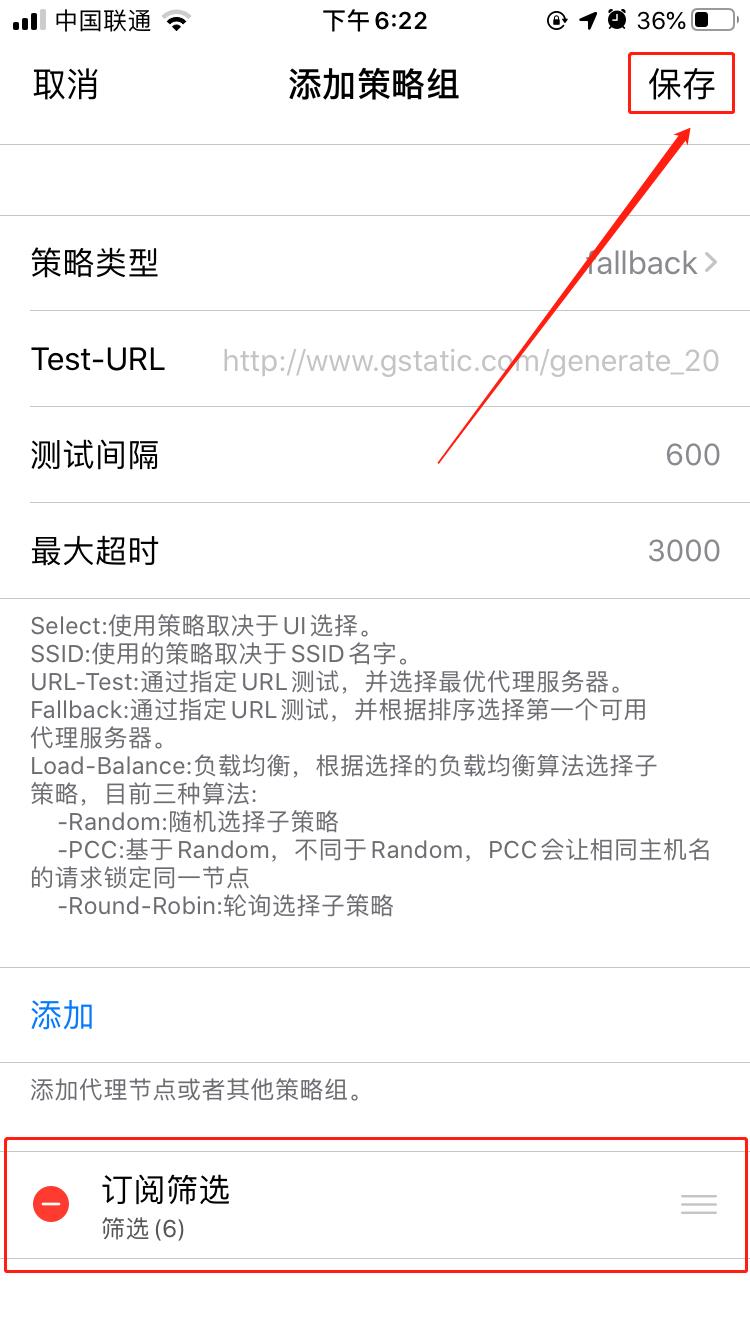
Say a few more words
The newly added
Fallbackstrategy group according to this tutorial has no substantive effect, and theFallbackstrategy group needs to be nested as a sub-strategy group into the surrogate parent strategy group to play a substantive effectIt must be noted that other sub-strategy groups cannot be nested under the
Fallbackstrategy group, because the strategy group is not a node, and the strategy group does not delay testing.When adding a proxy node, it is strictly forbidden to select from the list of
subscribe nodes, otherwise there will be a Loon warning, or even a proxy server provider’s ban.It is not allowed to have too many nodes in
Filtering Subscription Nodes, it is recommended to be less than5, otherwise it is prone to Loon warnings and even proxy server provider bans and other serious consequencesIf you do not use regular expressions to filter suitable nodes, please click here to learn regular expressions